
The 3 best Linux distros for beginners
If you're thinking about making the jump to Linux but don't know where to start, this article will help you choose the ideal distribution for you.

If you’re thinking about making the jump to Linux but don’t know where to start, this article will help you choose the ideal distribution for you. Let’s first clarify some basic concepts and then explore the best options available.
What is Linux and What is a Distro?
Before talking about distributions, it’s important to understand what Linux really is. Many people say “I use Linux” when they’re actually referring to a complete GNU/Linux distribution. But technically, Linux is just the kernel, meaning the core of the operating system.
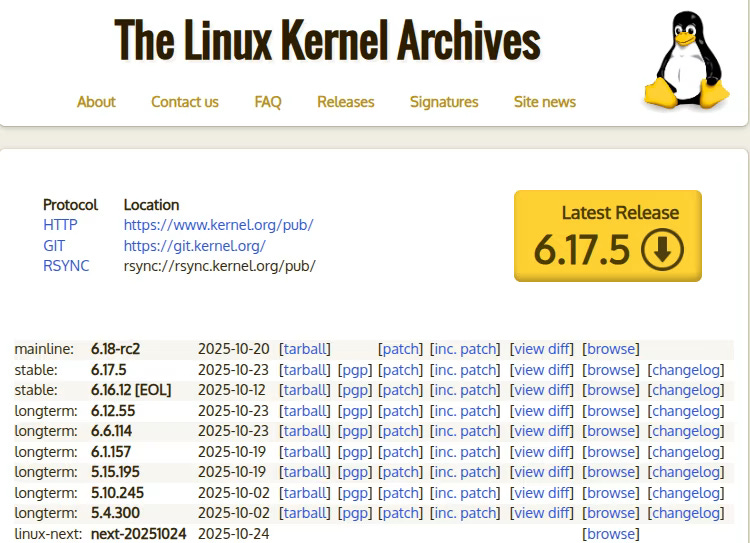
It’s an overused example, but it’s the one that best explains it: think of the kernel as a car’s engine. It’s the fundamental piece that makes everything work: it manages memory, communicates with hardware (keyboard, mouse, hard drive, etc.), and allows programs to run. But an engine alone is not a complete car.
This is where distributions or “Distros” come in. A Linux Distro is a complete operating system that includes:
The Linux kernel
A desktop environment (the graphical interface you see and interact with)
Pre-installed applications (web browser, text editor, etc.)
A package manager to install software
System tools and utilities
It’s as if different manufacturers took the same engine (Linux) and built completely different cars around it. That’s why there are hundreds of Linux distributions, each with different features, philosophies, and target audiences.
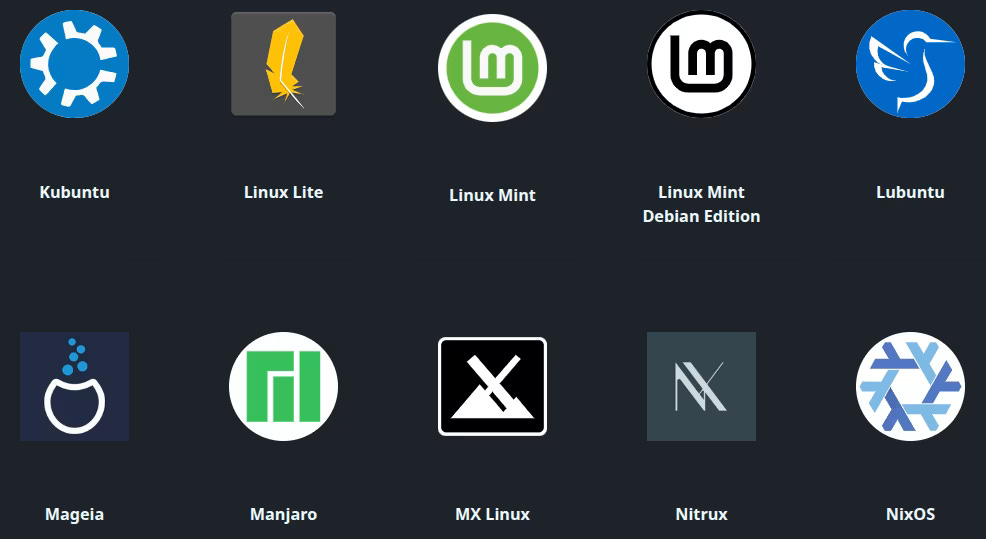
You can check hundreds of Distros at distrosea.com. For more information, read our article “Distrosea, your gateway to the Linux World”.
Criteria for Choosing a Distro as a Beginner
Not all Linux distributions are equally accessible for someone just starting out. These are the most important criteria to consider:
Long-Term Support (LTS)
LTS (Long Term Support) versions are the best option for beginner users. These versions receive security updates and fixes for several years (typically 3-5 years), which means you’ll have a stable and secure system without needing to constantly update to new versions.
LTS distros offer you:
Greater stability, as the software has been thoroughly tested
Regular security updates without drastic system changes
Lower probability of encountering bugs or compatibility issues
Enough time to familiarize yourself with the system without pressure
Based on Debian or Ubuntu
For a beginner, it’s advisable to choose a distro based on Debian or Ubuntu. Why?
Debian is one of the oldest and most respected distributions, known for its stability and enormous software repository. Ubuntu, which is based on Debian, has popularized Linux among desktop users thanks to its ease of use.
The advantages of these families are:
Huge user community, which means tons of documentation and help forums
Compatibility with a wide range of hardware
Very simple software installation through package managers like APT
Large number of tutorials and guides available in English
Lightweight Distros
If you want to give an old computer a second life or simply maximize your system’s performance, you need a lightweight distro. These distributions are optimized to consume few RAM and processor resources.
Lightweight distros are ideal if:
Your computer has less than 4 GB of RAM
You want to experiment with Linux without risking your main computer
You’re looking for a fast and nimble system, even on modest hardware
You prefer resources to be dedicated to your applications and not to the operating system
The Best Distros for Beginners
Based on the previous criteria, these are the three distributions I recommend for someone just starting out:
Linux Mint
Linux Mint is probably the most popular distribution among beginners, and for good reason. It’s based on Ubuntu (and therefore on Debian), offers LTS versions, and comes with everything you need pre-installed.
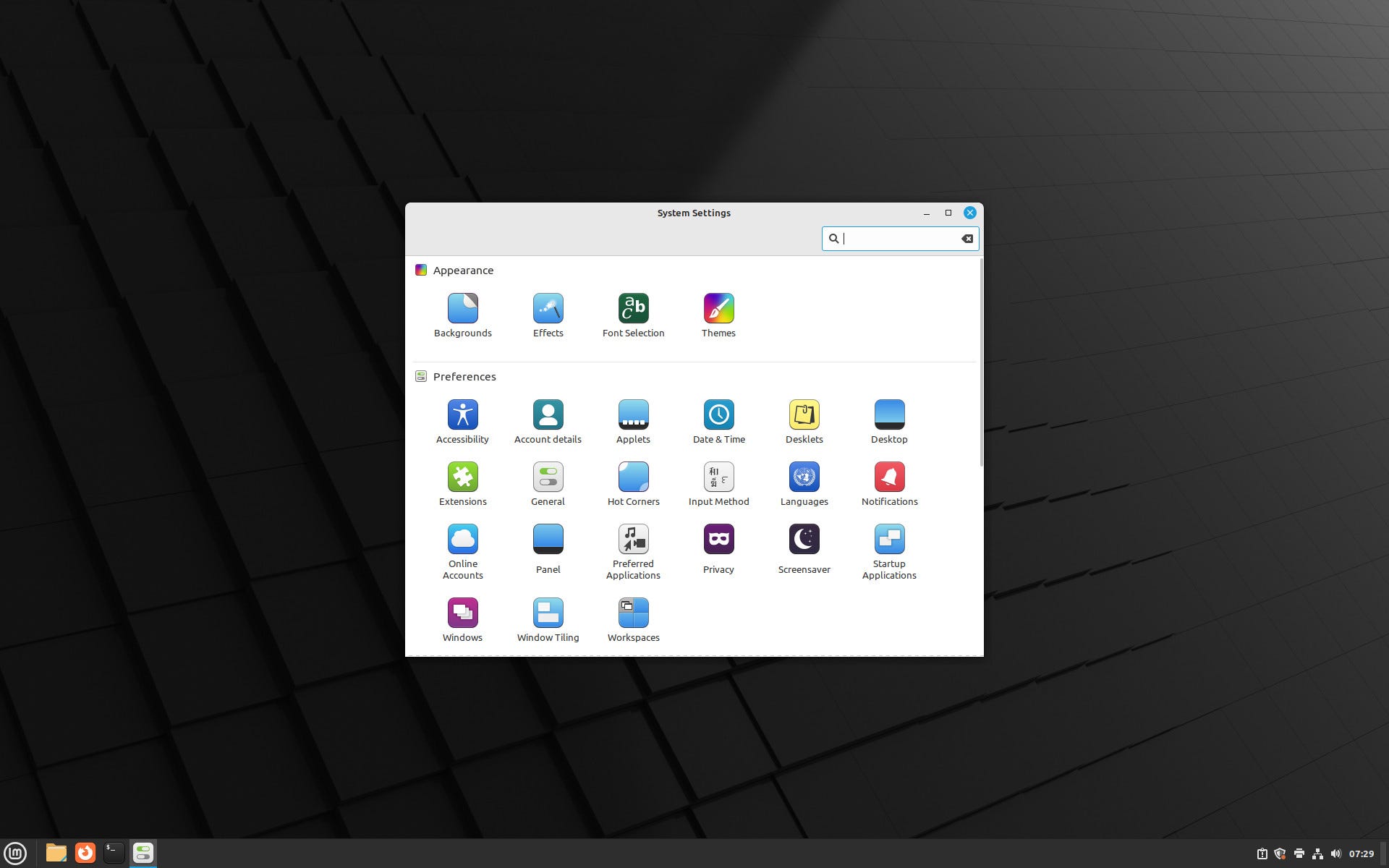
Strengths:
Proven stability and excellent ease of use
Intuitive and elegant Cinnamon desktop environment
Pre-installed multimedia codecs (you’ll be able to play videos and music without complications)
Very clear and secure update manager
Ideal for: Users looking for a stable, polished, hassle-free experience. It’s the most balanced option for most beginners.
Zorin OS
Zorin OS stands out for its modern design and resemblance to Windows, which greatly facilitates the transition for users coming from Microsoft’s operating system. It’s also based on Ubuntu and offers LTS versions.
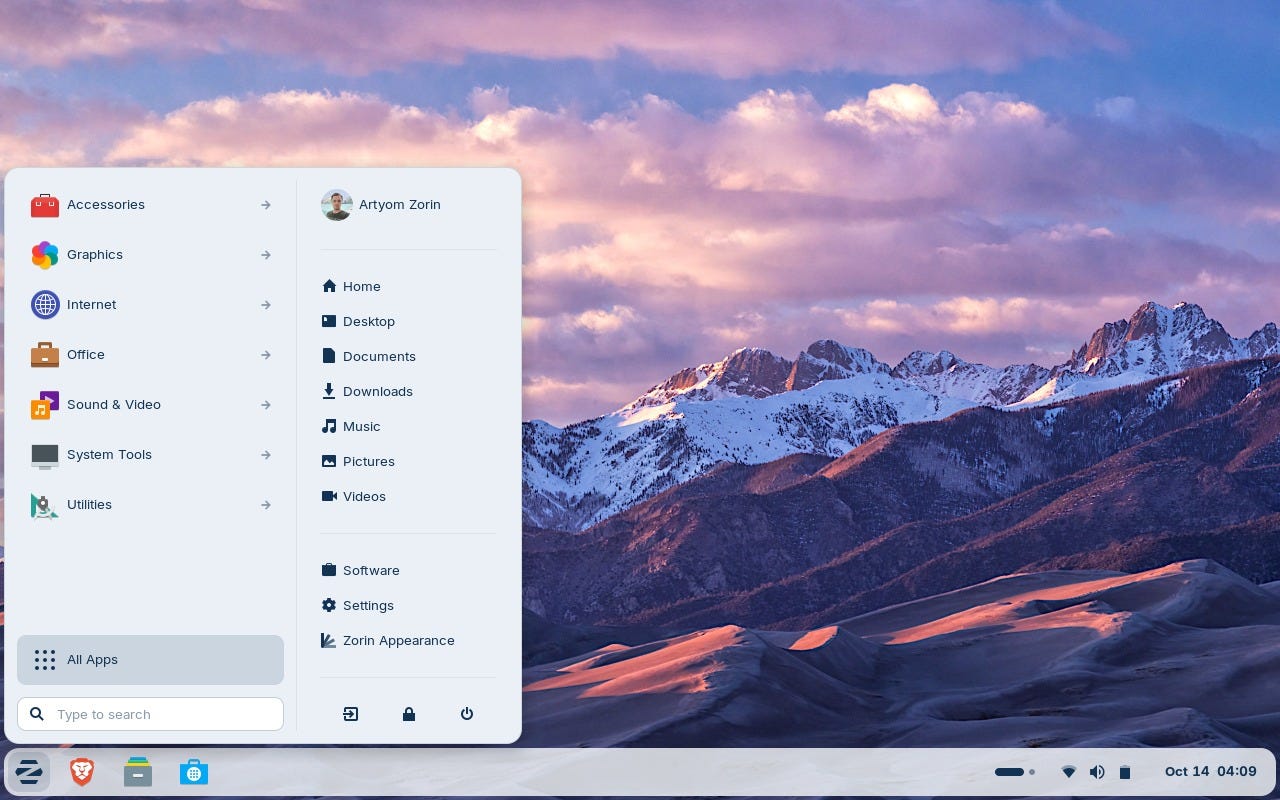
Strengths:
Interface extremely similar to Windows (especially Windows 10/11)
Very careful and professional visual design
Includes Wine, pre-configured software to run some Windows applications
Zorin Connect for integration with mobile devices
Lite version available for older computers
Ideal for: Users who want a system as similar as possible to Windows to minimize the learning curve.
MX Linux
MX Linux is a collaboration between the antiX and MEPIS communities, based directly on Debian. It’s known for its exceptional efficiency and stability.

Strengths:
Incredibly lightweight with the XFCE desktop
Excellent performance even on old hardware
MX Tools that facilitate configuration tasks
Great stability from being based on Debian Stable
Active community and solid support
Ideal for: Users who want to optimize the performance of old computers or who value efficiency above all else.
Which One to Choose According to Your Priorities?
If you’re looking for maximum similarity to Windows:
First option: Zorin OS - Its interface is specifically designed to make Windows users feel at home.
Second option: Linux Mint - Also offers a familiar and very intuitive interface.
If you prioritize proven stability and ease of use:
First option: Linux Mint - The most balanced option, with years of development refining the user experience.
Second option: MX Linux - Exceptional stability inherited from Debian, although with a slightly steeper learning curve.
If you need to optimize an old computer:
First option: MX Linux - Consumes very few resources with XFCE and is designed for efficiency.
Second option: Linux Mint (XFCE edition) - Also offers a lightweight version that works very well on modest hardware.
Conclusion
There is no single “best” Linux distribution for beginners, but Linux Mint, Zorin OS, and MX Linux are excellent options that cover different needs. All three meet the fundamental criteria: they’re stable, based on Debian/Ubuntu, have LTS versions, and have active communities willing to help.
My general recommendation is to start with Linux Mint if you don’t have a specific need, as it offers the best balance between ease of use, stability, and resources. But if you’re coming from Windows and want to minimize the shock, try Zorin OS. And if your hardware is limited, MX Linux will be the best alternative.
The best thing about Linux is that you can try any of these distributions via a live USB without installing anything on your hard drive. Take your time to explore, experiment, and decide which one feels most comfortable before taking the final step.
You’ll be surprised to discover everything Linux can offer you.